Imaging IT for the reading room and everything behind it.
Viewers, worklists, dictation and displays that work every time a radiologist sits down, and systems behind them that keep reads going when something fails.
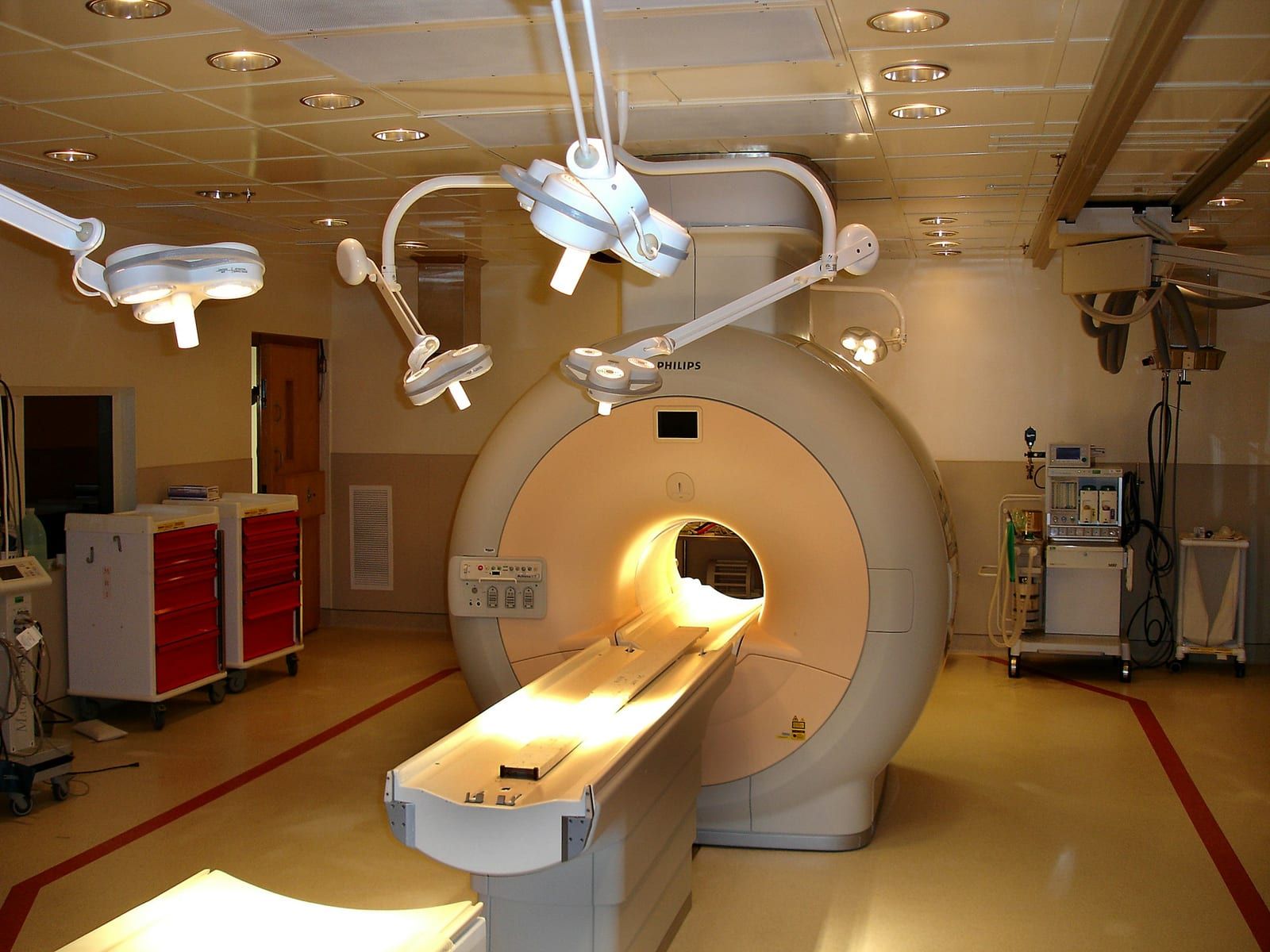
Every system a read depends on
Reading room
Every tool works when a radiologist sits down.
Radiologist application support
Viewers, hanging protocols, worklists and priors set up the way each reader works.
Dictation and voice recognition
Voice recognition, templates and microphones working with the viewer and the RIS.
Display calibration and MQSA display QA
Calibration, GSDF checks and QC records, with the physicist's annual testing supported.
Connectivity and interfaces
Studies and orders land in the hospital's systems, matched to the right patient.
Modality connectivity testing
Every scanner tested with the hospital's PACS and worklist before go-live.
HL7 troubleshooting and interfaces
Orders, results and ADT messages traced, fixed and monitored across the RIS, EHR and PACS.
Downtime and disaster recovery
Reads keep going when something fails.
RIS and PACS downtime
Triage and the vendor escalation, logs in hand, until reads are moving again.
Downtime routing and backup reading
Alternate DICOM routes and a backup system to read from, every study reconciled after.
Disaster recovery for imaging
Backups proven by restoring them, and a written plan for what comes back first.
Infrastructure and security
Hardware and networks that stay up and stay secure.
New reading stations and installs
Workstations, displays, PACS clients and dictation installed and tested before the first read.
Managed reading workstations
Reading stations and practice PCs monitored, patched and protected.
Servers, networks and hospital VPNs
Servers, firewalls and accounts, plus the VPNs radiologists need for each hospital.
Security incidents
The affected machine isolated, the cause found, and the fix that stops a repeat.
How it goes
- 1
Walk us through it
Your sites, systems, readers and what keeps breaking.
- 2
Agree the scope
Which systems and workstations we cover, written down and priced.
- 3
We take it from there
Ongoing support, a project, or a single fix, documented as we go.
Experience behind it
From Felix Garcia's work before PACS Desk:
- Ran PACS infrastructure and equipment upgrades for a hospital imaging department across CT, MRI, CR, ultrasound, fluoroscopy, nuclear medicine and cath.
- Built multi-site reading stations, upgraded dictation and viewers, and ran the servers and disaster recovery for a group of 50+ radiologists.
- Connected mammography and set prefetch rules for every modality in a 17-facility rollout.
- Every engagement is backed by our team of handpicked specialists, each with vetted experience in imaging IT.






Questions
Are you medical physicists?
No. We handle the technical side of display QA: calibration, checks and records. Your medical physicist still does the annual testing, and we schedule and support it.
Do you support our regular PCs and network too?
Yes. Reading stations, front-desk PCs, servers and the network can all be covered, so you have one team for the whole practice.
Can you set up a radiologist to read for a hospital?
Yes: the hospital's VPN or remote access, their PACS and worklist, dictation and displays, tested before the first shift.
What happens to studies if our PACS goes down?
With a downtime plan, they keep flowing: modalities send to an alternate route or backup system, radiologists keep reading, and everything is reconciled into PACS once it's back. We design and test that plan with you.
Can you help after hours?
We agree coverage and response times with each client when we set up support, based on when your radiologists read.
Related
What does your reading room need?
Tell us about your practice and what you'd like supported.